Advanced Privacy Settings: Unlock Protections in Messaging Apps
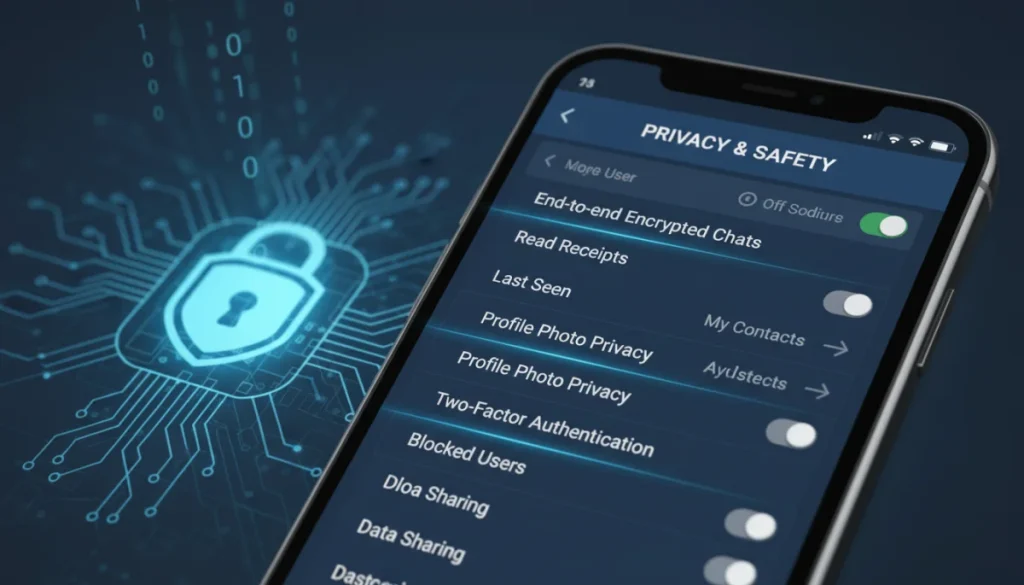
Securing your digital conversations is paramount in today’s interconnected world, and understanding advanced privacy settings: unlock protections in your favorite messaging apps is crucial for maintaining control over your personal data and communications.
In an age where digital communication is constant, the privacy of our conversations often feels like a moving target. Have you ever wondered if your messages are truly private, or if your personal data is as secure as you think? It’s time to delve into the powerful, yet often overlooked, world of advanced privacy settings: unlock protections in your favorite messaging apps. This guide will empower you to take control, ensuring your digital dialogues remain yours and yours alone.
Understanding End-to-End Encryption: Your Digital Shield
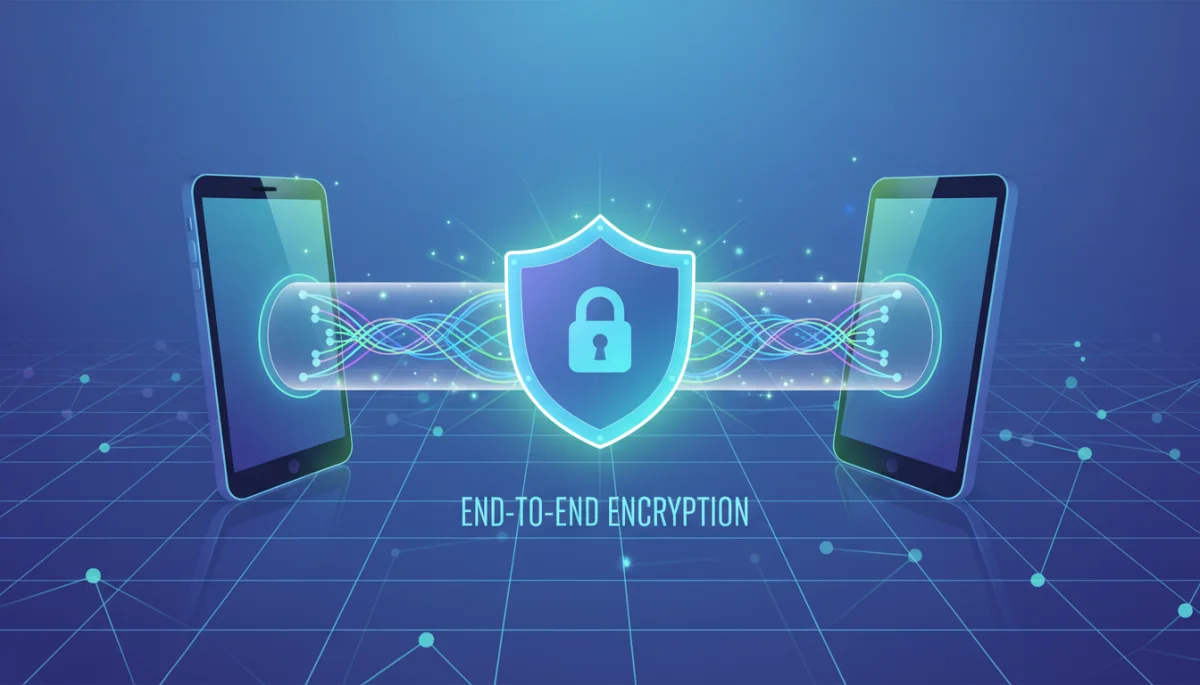
End-to-end encryption (E2EE) is the cornerstone of secure messaging, ensuring that only the sender and intended recipient can read messages. This powerful technology scrambles your messages as they leave your device and decrypts them only when they reach the recipient’s device, making them unreadable to anyone in between, including the messaging service provider itself.
While many popular messaging apps claim to offer E2EE, understanding its nuances and limitations is vital. Not all E2EE implementations are created equal, and some apps may have default settings that don’t fully leverage its potential. It’s essential to verify that E2EE is active for all your communications, not just one-on-one chats.
What is End-to-End Encryption (E2EE)?
E2EE is a method of secure communication that prevents third parties from accessing data while it’s transferred from one end system or device to another. In essence, it’s a digital lock and key system where only you and the person you’re talking to have the keys.
- Data Protection: Your messages, calls, files, and video chats are encrypted from your device to the recipient’s.
- Privacy Assurance: Even the messaging app provider cannot read your content.
- Authentication: Ensures the messages are coming from and going to the intended parties.
Verifying E2EE in Your Apps
Most messaging apps that offer E2EE will clearly indicate its status within individual chats or in the app’s security settings. Look for visual cues like padlock icons, security codes, or explicit mentions in chat information. Some apps allow you to verify contact keys, adding an extra layer of assurance that you’re communicating with the right person.
Always be wary of apps that offer E2EE as an opt-in feature rather than a default. True privacy means encryption is always on, protecting every interaction without requiring manual activation. Regularly checking for updates to your messaging apps also ensures you benefit from the latest security protocols and bug fixes that might impact encryption.
Understanding and verifying end-to-end encryption is the first critical step in fortifying your digital privacy. It provides a robust defense against unauthorized access, making your private conversations truly private.
Two-Factor Authentication: Your Digital Gatekeeper
Beyond encryption, safeguarding access to your messaging accounts is paramount. Two-factor authentication (2FA) adds an essential layer of security by requiring a second form of verification in addition to your password. This means that even if someone manages to steal your password, they won’t be able to access your account without that second factor.
Implementing 2FA is a simple yet incredibly effective measure that can prevent unauthorized access to your sensitive communications. Many apps now offer various forms of 2FA, from SMS codes to authenticator apps, and even physical security keys. Choosing the right method and ensuring it’s properly configured is key to maximizing your account security.
Types of Two-Factor Authentication
The landscape of 2FA options is diverse, each offering varying levels of convenience and security. It’s important to select a method that balances your personal needs with robust protection.
- SMS-based 2FA: Codes sent to your phone number. Convenient but can be vulnerable to SIM-swapping attacks.
- Authenticator Apps: Generate time-sensitive codes (e.g., Google Authenticator, Authy). More secure than SMS.
- Email-based 2FA: Codes sent to your email address. Depends on the security of your email account.
- Biometric 2FA: Fingerprint or facial recognition. Highly convenient and often very secure.
- Hardware Security Keys: Physical devices that plug into your computer or phone. Considered the most secure option.
Setting Up 2FA in Messaging Apps
Most popular messaging apps provide clear instructions for enabling 2FA within their settings menus. Typically, you’ll find this option under ‘Account’ or ‘Security’ settings. It often involves verifying your phone number or email, setting a PIN, or linking an authenticator app.
Once enabled, remember to keep your recovery codes or backup phrases in a secure place. These are crucial if you lose access to your second factor. Regularly reviewing your 2FA settings and ensuring all associated devices are up-to-date can prevent potential vulnerabilities.
By making two-factor authentication a standard practice for all your messaging accounts, you create a formidable barrier against unauthorized access, significantly enhancing your digital security posture.
Disappearing Messages and Self-Destructing Content
The concept of ephemeral communication, where messages automatically vanish after a set period, has become a prominent feature in many messaging apps. This functionality is a powerful tool for enhancing privacy, especially for sensitive conversations that you don’t want to persist indefinitely on digital servers or recipient devices.
Understanding how to properly activate and manage disappearing messages, often referred to as self-destructing content, is crucial. It adds a layer of deniability and reduces the digital footprint of your conversations, making it harder for past messages to be retrieved or misused. However, it’s important to remember that screenshots can still be taken, so it’s not a foolproof solution for all scenarios.
How Disappearing Messages Work
This feature allows users to set a timer for their messages, ranging from seconds to days or even weeks. Once the timer expires, the messages are automatically deleted from both the sender’s and recipient’s devices, and often from the app’s servers as well.
- Reduced Digital Footprint: Minimizes the long-term storage of sensitive information.
- Enhanced Confidentiality: Ideal for sharing temporary or highly private details.
- Customizable Timers: Allows users to choose the deletion period that suits their needs.
Activating and Managing Ephemeral Chats
Most apps offer this feature on a per-chat basis, meaning you can enable it for specific conversations while keeping others permanent. Look for options like ‘disappearing messages,’ ‘vanish mode,’ or ‘self-destructing messages’ within individual chat settings.
It’s important to communicate with your chat partners when using this feature, so they are aware that messages will disappear. Also, be mindful that while the messages are gone from the app, they might still be recoverable from device backups if not properly configured. Always ensure your device backup settings align with your privacy preferences.
By strategically utilizing disappearing messages, you can significantly reduce the risk of sensitive information being compromised long after the conversation has ended, adding a valuable layer to your advanced privacy settings.
Controlling Read Receipts and Online Status
Beyond the content of your messages, your online presence and interaction patterns can also reveal a significant amount of personal information. Read receipts, often indicated by double checkmarks or ‘seen’ notifications, and your online status can provide insights into your availability, activity, and even your emotional state. Many messaging apps offer granular controls over these features, allowing you to manage how much information you share about your interaction habits.
Adjusting these settings is a simple yet effective way to maintain a higher degree of privacy, giving you more control over your digital boundaries. It helps prevent others from knowing exactly when you’ve read a message or when you’re available, reducing pressure for immediate responses and enhancing your sense of autonomy.
Managing Read Receipts
Read receipts confirm when a recipient has viewed your message. While useful for knowing if your message has been seen, disabling them can prevent others from knowing when you’ve read theirs. This can be particularly useful for managing expectations and avoiding immediate response pressure.
- Personal Space: Avoids the feeling of being constantly monitored.
- Reduced Pressure: Allows you to respond at your own pace.
- Selective Disclosure: Some apps allow you to disable receipts for specific contacts or groups.
Hiding Your Online Status
Your ‘last seen’ or ‘online’ status indicates when you were last active on the app. Hiding this information can significantly enhance your privacy, making it harder for others to track your usage patterns or infer your availability.
Most apps offer options to hide your online status from everyone, only your contacts, or specific individuals. Explore these settings to find the balance that works best for you. Remember that disabling these features often means you won’t see other people’s read receipts or online status either, creating a more balanced privacy exchange.
Taking control of read receipts and online status contributes significantly to your overall digital privacy. It allows you to engage with messaging apps on your own terms, without constantly broadcasting your availability or interaction patterns.
Permissions and Data Sharing: The Hidden Controls
When you install a messaging app, it typically requests a range of permissions to access various features on your device, such as your camera, microphone, contacts, and location. While some of these permissions are necessary for the app to function correctly, others might be excessive or unnecessary for its core purpose. Understanding and managing these app permissions is a critical aspect of protecting your data and privacy.
Beyond device permissions, many apps also have policies regarding data sharing with third parties, often for advertising or analytics purposes. Delving into these settings and understanding what data is being collected and shared is crucial for making informed decisions about your digital footprint.
Reviewing App Permissions
Regularly review the permissions granted to your messaging apps through your device’s operating system settings. Ask yourself if each permission is truly necessary for the app to provide its intended service.
- Location Access: Is it essential for a messaging app to know your precise location at all times?
- Microphone/Camera Access: Only grant these when actively using voice/video call features.
- Contacts Access: Necessary for finding friends, but consider if you want your entire address book uploaded.
Understanding Data Sharing Policies
Most apps include a privacy policy that outlines how your data is collected, used, and shared. While these documents can be lengthy, paying attention to sections on third-party data sharing and advertising can reveal important insights. Some apps provide in-app settings to opt out of certain data collection or personalized advertising.
Be particularly cautious of apps that are free but seem to offer an extensive range of features. Often, your data becomes the currency. Choosing apps from reputable developers with strong privacy commitments can significantly reduce your exposure to unwanted data sharing practices.
By actively managing app permissions and scrutinizing data sharing policies, you can significantly reduce the amount of personal information you inadvertently share, reinforcing your advanced privacy settings: unlock protections in your favorite messaging apps.
Advanced Security Features and Best Practices
Beyond the fundamental privacy settings, many messaging apps offer advanced security features designed to further fortify your communications. These can range from secure backup options to PIN locks for individual chats, providing an extra layer of defense against physical access or data loss. Implementing these features, combined with consistent best practices, creates a holistic approach to securing your digital life.
Staying informed about new security updates and continually adapting your privacy habits are key to maintaining a robust defense in the ever-evolving digital landscape. Your commitment to these advanced measures ensures your messaging experience remains private and protected.
Exploring App-Specific Security Options
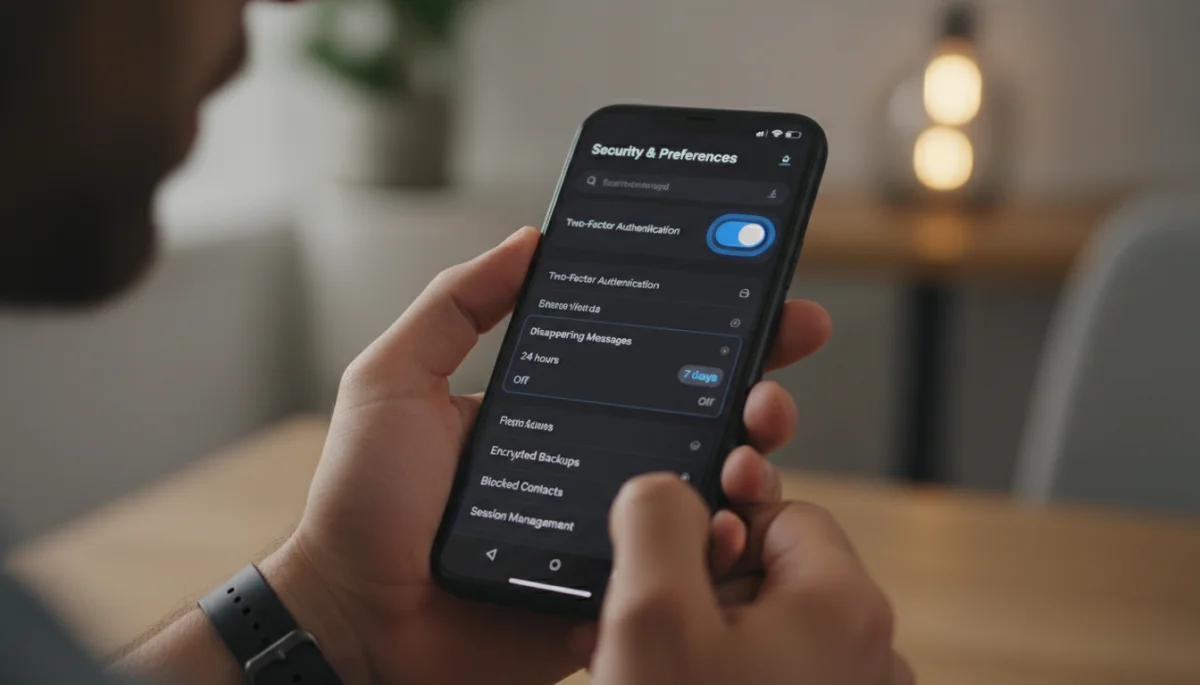
Many apps offer unique security enhancements. For instance, some allow you to lock specific conversations with a PIN or fingerprint, preventing casual snooping if someone gains access to your unlocked phone. Others provide encrypted backup options, ensuring your chat history is protected even if stored in the cloud.
- Chat Locks: Secure individual conversations with a PIN or biometric authentication.
- Encrypted Backups: Protect your chat history with strong encryption before it leaves your device.
- Security Notifications: Receive alerts if a contact’s security code changes, indicating a potential compromise.
General Security Best Practices
Even the most advanced app settings can be undermined by poor personal security habits. Always use strong, unique passwords for your messaging accounts and any associated email addresses. Enable two-factor authentication wherever possible, not just in messaging apps.
Regularly update your operating system and all your apps to ensure you have the latest security patches. Be wary of suspicious links or unsolicited messages, as phishing attempts are a common way for attackers to gain access to your accounts. Educating yourself about common cyber threats is an ongoing process that significantly strengthens your digital resilience.
By combining advanced app features with diligent personal security practices, you create a comprehensive defense for your messaging privacy, ensuring your conversations remain secure and confidential.
The Future of Messaging Privacy: What to Expect
The landscape of digital privacy is constantly shifting, driven by technological advancements, evolving user expectations, and regulatory changes. As messaging apps become more integral to our daily lives, the demand for stronger privacy protections will undoubtedly grow. Understanding emerging trends and anticipating future developments can help you stay ahead of potential risks and adapt your privacy strategies accordingly.
From decentralized messaging protocols to enhanced AI-driven security features, the future promises both challenges and opportunities for securing our digital communications. Staying informed and advocating for stronger privacy standards are crucial steps in shaping a more secure online world.
Emerging Privacy Technologies
Innovations like federated messaging, where different servers can communicate securely, and zero-knowledge proofs, which allow verification of information without revealing the data itself, are pushing the boundaries of privacy. We might also see more widespread adoption of post-quantum cryptography to future-proof our communications against advanced computing threats.
- Decentralized Platforms: Less reliance on central servers, reducing single points of failure.
- AI for Threat Detection: Intelligent systems identifying and neutralizing privacy risks in real-time.
- Privacy-Enhancing Browsers: Integration with messaging apps for a seamless, secure experience.
Regulatory Landscape and User Advocacy
Governments worldwide are increasingly enacting data protection laws, such as GDPR and CCPA, which compel companies to adopt stronger privacy measures. These regulations often influence how messaging apps handle user data and provide privacy controls. Users also play a vital role in shaping the future of privacy by demanding more transparent practices and robust protections from app developers.
Keeping an eye on these developments and actively participating in privacy discussions can empower you to make more informed choices about the apps you use. Ultimately, the collective push for greater privacy will drive innovation and lead to more secure and trustworthy messaging platforms for everyone.
The future of messaging privacy is a dynamic space, but by understanding current trends and remaining proactive, you can ensure your digital communications remain protected against evolving threats and embrace the next generation of secure messaging.
| Key Privacy Feature | Brief Description |
|---|---|
| End-to-End Encryption | Secures messages so only sender and recipient can read them, preventing third-party access. |
| Two-Factor Authentication | Adds a second verification step to account login, protecting against unauthorized access. |
| Disappearing Messages | Automatically deletes messages after a set time, reducing digital footprint and enhancing confidentiality. |
| App Permissions Control | Manages what device features messaging apps can access, like camera or contacts, to limit data exposure. |
Frequently Asked Questions About Messaging App Privacy
The most crucial setting is end-to-end encryption (E2EE), ensuring only you and your recipient can read messages. While many apps offer it, always verify it’s active by default for all your communications, protecting your data from interception.
2FA adds a vital security layer by requiring a second verification method, like a code from an authenticator app or SMS, in addition to your password. This prevents unauthorized access even if your password is compromised, safeguarding your conversations.
Disappearing messages enhance privacy by automatically deleting content after a set time, reducing your digital footprint. However, they are not foolproof; recipients can still take screenshots or photos before messages vanish, so always exercise caution with sensitive content.
Reviewing app permissions is essential to control what data messaging apps can access on your device, such as your camera, microphone, or contacts. Limiting unnecessary permissions minimizes data exposure and protects your personal information from being collected or shared without your explicit consent.
Beyond app settings, use strong, unique passwords, enable 2FA universally, keep apps and OS updated, and be wary of suspicious links. These habits create a robust defense against cyber threats, complementing your app’s advanced privacy features.
Conclusion
Navigating the complex world of digital communication requires a proactive approach to privacy. By understanding and diligently applying advanced privacy settings: unlock protections in your favorite messaging apps, you can significantly enhance the security of your conversations and personal data. From verifying end-to-end encryption and enabling two-factor authentication to utilizing disappearing messages and meticulously managing app permissions, every step contributes to a more secure and private online experience. The digital landscape is constantly evolving, making continuous vigilance and adaptation key to safeguarding your digital footprint. Empower yourself with knowledge and take control of your messaging privacy today, ensuring your communications remain truly yours.
