Staying Ahead of Cybercriminals: Key Messaging App Security
Staying ahead of cybercriminals necessitates understanding key security updates in messaging apps, which are crucial for protecting personal data and communications from evolving digital threats, ensuring user privacy and data integrity.
In today’s interconnected world, our daily lives are intertwined with digital communication. Messaging apps have become indispensable tools for personal and professional interactions. However, with this convenience comes an inherent risk: the constant threat of cybercriminals. To safeguard our conversations and personal data, it’s critical to be informed about messaging app security updates and how they combat evolving threats.
The Evolving Landscape of Cyber Threats
The digital realm is a battlefield where cybercriminals constantly innovate, devising new methods to breach security and exploit vulnerabilities. From sophisticated phishing schemes to advanced malware, the threats are ever-present and increasingly complex. Understanding this dynamic landscape is the first step in protecting yourself and your digital communications.
Cybercriminals target messaging apps because they are repositories of sensitive information. Personal conversations, financial details, and confidential work discussions are all potential goldmines for malicious actors. Staying informed about the latest attack vectors and defense mechanisms is not just a recommendation; it’s a necessity for digital survival.
Common Attack Vectors
Malicious actors employ various techniques to compromise messaging app security. These often exploit human error or software vulnerabilities.
- Phishing and Social Engineering: Tricking users into revealing sensitive information through deceptive messages or links.
- Malware and Spyware: Injecting malicious software onto devices to monitor communications or steal data.
- Account Takeovers: Gaining unauthorized access to user accounts through stolen credentials or session hijacking.
- Eavesdropping and Interception: Attempting to listen in on or capture message traffic, especially on unencrypted networks.
The continuous evolution of these threats demands a proactive approach from both app developers and users. Developers must integrate robust security features, while users must remain vigilant and adopt best practices.
The landscape of cyber threats is a relentless game of cat and mouse. As soon as one vulnerability is patched, another is sought or created. This constant pressure drives the need for continuous security updates and user education. Awareness is a powerful defense, enabling users to recognize and avoid potential traps set by cybercriminals.
End-to-End Encryption: The Foundation of Secure Messaging
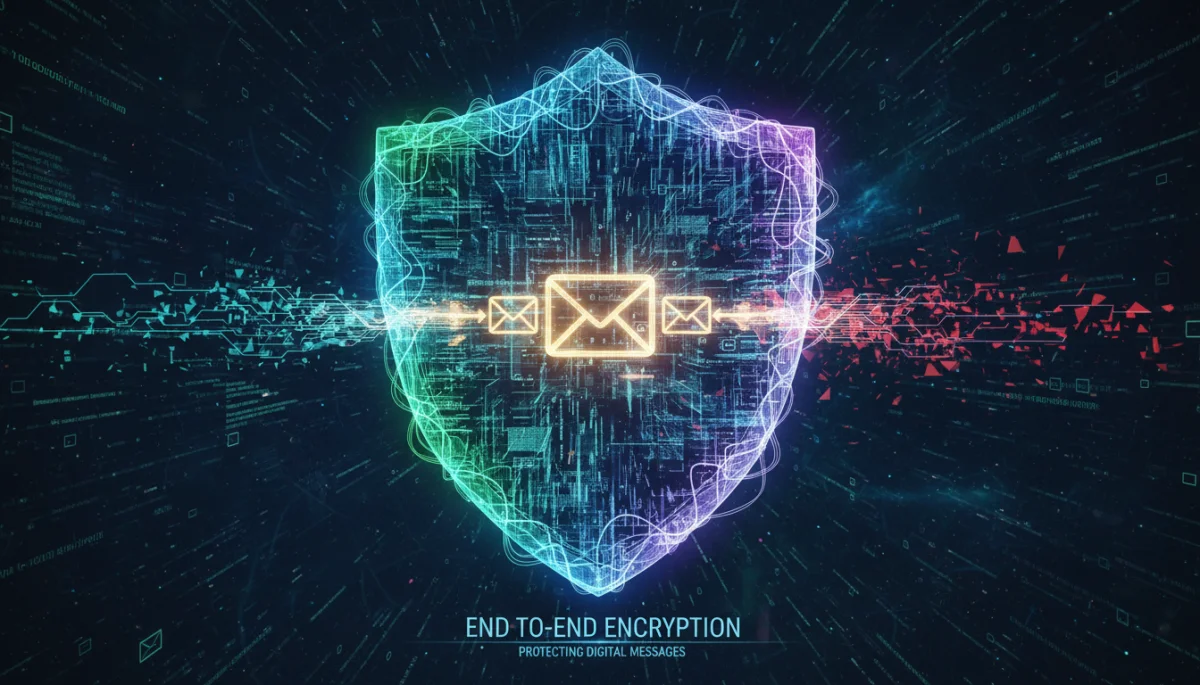
End-to-end encryption (E2EE) is often hailed as the gold standard for secure messaging. It ensures that messages are encrypted on the sender’s device and can only be decrypted by the intended recipient’s device. This means that no one, not even the messaging app provider, can read the content of your communications.
The principle behind E2EE is simple yet powerful: it creates a secure tunnel between two communicating parties, making it virtually impossible for third parties to intercept and understand the data. This foundational technology is paramount in protecting privacy and maintaining the integrity of digital conversations.
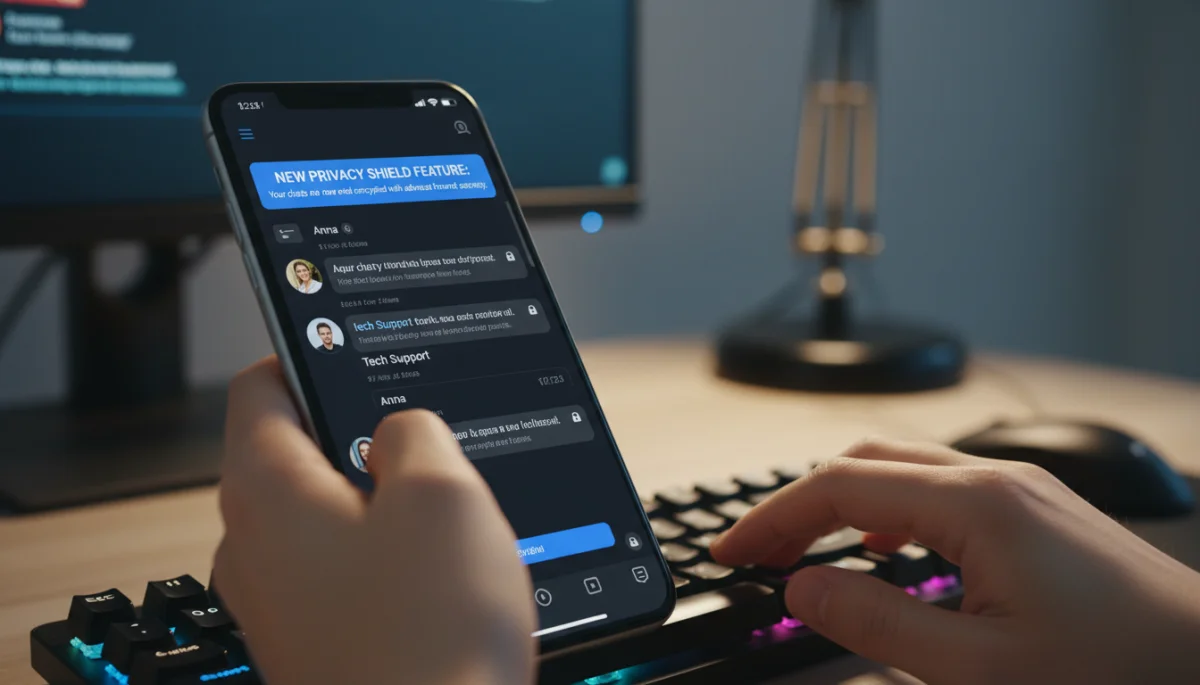
Modern messaging apps increasingly integrate E2EE by default, a significant step forward in user security. This eliminates the need for users to manually enable encryption, ensuring a higher baseline of protection for everyone.
How E2EE Works
The process of E2EE involves complex cryptographic protocols that manage the encryption and decryption keys.
- Key Exchange: Devices securely exchange public keys without ever sharing private keys.
- Encryption: Messages are encrypted using a combination of public and private keys before leaving the sender’s device.
- Transmission: The encrypted message travels through servers, remaining unreadable to anyone but the intended recipient.
- Decryption: The recipient’s device uses its private key to decrypt and display the message.
This intricate dance of keys and algorithms ensures that even if a message is intercepted, it appears as an unreadable jumble of characters. The strength of E2EE lies in the fact that the decryption key is only accessible to the communicating devices, making it a formidable barrier against unauthorized access.
While E2EE provides robust protection for message content, it’s important to remember that metadata (who you communicate with, when, and how often) might still be accessible to app providers. Users should be aware of an app’s privacy policy regarding metadata handling. The continuous improvement of E2EE protocols is a core component of messaging app security updates, constantly adapting to new cryptographic challenges and computing power advancements.
Multi-Factor Authentication (MFA): A Crucial Layer of Defense
Beyond encryption, multi-factor authentication (MFA) adds a critical layer of security to messaging apps. MFA requires users to provide two or more verification factors to gain access to their accounts. This significantly reduces the risk of unauthorized access, even if a cybercriminal manages to obtain a user’s password.
Think of MFA as adding extra locks to your digital door. A password might be the first lock, but MFA introduces a second or third, such as a code sent to your phone or a biometric scan. This multi-layered approach makes it much harder for attackers to compromise an account.
Types of MFA Factors
MFA typically combines different types of authentication factors:
- Knowledge Factor: Something you know (e.g., password, PIN).
- Possession Factor: Something you have (e.g., a smartphone receiving a one-time code, a hardware token).
- Inherence Factor: Something you are (e.g., fingerprint, facial recognition).
The most common implementation in messaging apps involves a password combined with a one-time code sent via SMS or generated by an authenticator app. This combination leverages both knowledge and possession factors, creating a strong deterrent against account takeovers.
Enabling MFA is one of the simplest yet most effective steps users can take to enhance their account security. Many messaging apps now offer MFA as an optional or even default feature, reflecting its importance in the current threat landscape. Users are strongly encouraged to activate MFA wherever available to protect their valuable digital identities and communications.
The integration and improvement of MFA options are key areas of focus for developers rolling out messaging app security updates. These updates often include more user-friendly MFA setups, broader compatibility with authenticator apps, and enhanced recovery options, making robust security more accessible to a wider audience.
Ephemeral Messaging and Disappearing Messages
The concept of ephemeral messaging, where messages automatically disappear after a set period, has gained significant traction in messaging apps. This feature is designed to enhance privacy by ensuring that sensitive information does not persist indefinitely on devices or servers, reducing the potential for data breaches or unauthorized access to old conversations.
Disappearing messages address the concern that even encrypted messages can be compromised if a device falls into the wrong hands or if old chats are accessed without permission. By setting an expiration time, users gain more control over the lifespan of their digital communications.
Benefits of Ephemeral Messaging
Implementing disappearing messages offers several advantages for privacy-conscious users:
- Reduced Data Footprint: Less sensitive information stored over time, minimizing the risk of historical data being exposed.
- Enhanced Privacy: Conversations are less likely to be reviewed by others if a device is compromised or shared.
- Control Over Information: Users dictate how long their messages remain accessible.
- Compliance: Useful for professional contexts requiring data retention policies.
While ephemeral messaging adds a valuable layer of privacy, it’s not a foolproof solution. Screenshots can still be taken, and recipients can copy content before it disappears. Therefore, users should exercise caution and judgment even when using disappearing message features, especially when sharing highly sensitive information.
Many messaging app security updates now include more granular controls for ephemeral messages, allowing users to customize timers for individual chats or specific message types. This evolution reflects a growing demand for features that empower users with greater autonomy over their digital interactions and the longevity of their shared content.
Secure Backup and Restoration Practices
While security updates often focus on protecting active communications, the security of message backups is equally vital. Many users rely on cloud backups to restore their chat histories when switching devices or in case of data loss. However, if these backups are not adequately secured, they can become a weak link in the overall security chain.
Unencrypted cloud backups can expose an entire history of conversations to potential attackers or cloud service providers. Therefore, understanding and utilizing secure backup and restoration practices offered by messaging apps is crucial for comprehensive data protection.
Protecting Your Backups
Messaging apps are increasingly offering encrypted backup options to address these concerns. Key strategies include:
- End-to-End Encrypted Backups: Ensuring that backup files are encrypted on your device before being uploaded to the cloud, and can only be decrypted with a user-controlled key or password.
- Local Backups: Storing backups directly on your device or an external storage medium, providing more direct control over the data.
- Strong Passwords: Using unique and complex passwords for any cloud services where backups are stored.
- Regular Review: Periodically checking backup settings and ensuring they align with your security preferences.
The availability of end-to-end encrypted backups is a significant advancement in messaging app security updates. This feature ensures that even if a cloud provider’s servers are compromised, your backed-up conversations remain unreadable to unauthorized parties. Users should actively seek out and enable these features to close a potentially significant security gap.
It’s also important to be cautious about third-party backup tools or services that promise to manage your messaging app data. Always prioritize official, in-app backup solutions that explicitly state their encryption methods. A robust backup strategy is an integral part of a holistic approach to securing your digital life.
Privacy-Focused Features and User Controls
Beyond core encryption and authentication, modern messaging apps are continuously rolling out privacy-focused features and granular user controls. These updates empower users to manage their digital footprint, control who sees their information, and enhance their overall privacy posture within the application.
These features range from read receipt toggles to advanced profile privacy settings, all designed to give users more agency over their data and interactions. The emphasis is shifting towards putting the user in the driver’s seat when it comes to their personal information.
Key Privacy Enhancements
Recent messaging app security updates have introduced a variety of privacy controls:
- Read Receipts and Online Status: Options to hide whether you’ve read a message or when you were last online.
- Profile Visibility Settings: Granular controls over who can view your profile picture, ‘about’ section, or phone number.
- Screenshot Prevention: Features that prevent or notify users when screenshots are taken in sensitive chats.
- Forwarding Restrictions: Limiting how many times a message can be forwarded to prevent misinformation spread and maintain context.
- Contact Blocking and Reporting: Improved tools for managing unwanted contacts and reporting abusive behavior.
These features, while seemingly small, collectively contribute to a more secure and private messaging experience. They allow users to tailor their interactions to their comfort level, reducing exposure to unwanted attention and potential data exploitation. Actively exploring and configuring these settings is a crucial step in personalizing your security.
The commitment of app developers to introduce and refine these privacy controls is a testament to the growing demand for user autonomy. As privacy concerns continue to rise, these features will become increasingly sophisticated, offering users even greater control over their digital lives and interactions within messaging platforms.
Staying Informed and Best Practices for Users
Ultimately, the most advanced security updates are only effective if users are aware of them and adopt best practices. Staying informed about the latest developments in messaging app security is an ongoing responsibility. Cybercriminals are always looking for new ways to exploit users, making continuous education a vital defense mechanism.
Regularly checking for app updates, reading official announcements from app developers, and being skeptical of unsolicited messages are fundamental habits that can significantly bolster your personal security. Knowledge is your most powerful tool against digital threats.
Essential User Best Practices
To maximize your protection, consider these practices:
- Keep Apps Updated: Always install the latest versions of your messaging apps to benefit from the newest security patches and features.
- Enable All Security Features: Activate end-to-end encryption, multi-factor authentication, and secure backups whenever available.
- Be Wary of Links and Attachments: Do not click on suspicious links or open attachments from unknown sources.
- Use Strong, Unique Passwords: Employ complex passwords for your accounts and consider using a password manager.
- Review Privacy Settings: Regularly check and adjust your app’s privacy settings to control your data visibility.
- Educate Yourself: Stay informed about common cyber threats and how to identify them.
Your active participation in securing your digital communications is as important as the security measures implemented by app developers. By combining robust app security with diligent user practices, you create a formidable defense against cybercriminals. The continuous cycle of messaging app security updates and user vigilance forms the bedrock of a safer digital environment.
Remember that no single solution offers complete invulnerability. A layered approach, combining technological safeguards with informed user behavior, provides the strongest possible protection. Prioritize your digital safety by staying proactive and educated.
| Key Security Feature | Brief Description |
|---|---|
| End-to-End Encryption | Ensures messages are private between sender and receiver, unreadable by third parties or app providers. |
| Multi-Factor Authentication | Adds extra verification steps (e.g., code, fingerprint) to secure account access beyond just a password. |
| Ephemeral Messaging | Messages automatically disappear after a set time, reducing the long-term data footprint. |
| Secure Backups | Protects chat histories stored in the cloud with encryption, preventing unauthorized access to old conversations. |
Frequently Asked Questions About Messaging App Security
Messaging app security updates are crucial because cybercriminals constantly evolve their attack methods. Updates patch vulnerabilities, introduce new protective features like enhanced encryption, and improve authentication processes, ensuring your conversations and personal data remain secure against emerging threats.
E2EE ensures that only the sender and intended recipient can read messages. Messages are encrypted on the sender’s device and decrypted only on the recipient’s device. This means no one, not even the app provider, can access the content of your communications, offering robust privacy.
Absolutely. Enabling MFA adds a vital layer of security to your messaging app accounts. It requires a second form of verification (e.g., a code from your phone or a fingerprint) in addition to your password, significantly reducing the risk of unauthorized access even if your password is compromised.
Disappearing messages enhance privacy by automatically deleting content after a set time, reducing data persistence. While they limit long-term exposure, they are not foolproof; recipients can still take screenshots or copy content before it vanishes. Use them judiciously for sensitive information.
To secure your backups, utilize end-to-end encrypted backup options offered by your app, if available. This encrypts your chat history before it’s uploaded to the cloud, accessible only with your password or key. Also, use strong, unique passwords for any cloud services where backups are stored.
Conclusion
The digital landscape is in constant flux, with cybercriminals continually refining their tactics. For users of messaging apps, this means that vigilance and proactive engagement with security features are no longer optional but essential. By understanding and utilizing the latest messaging app security updates, including end-to-end encryption, multi-factor authentication, ephemeral messaging, and secure backup practices, individuals can significantly bolster their defenses against evolving threats. Staying informed, keeping apps updated, and adopting sound digital habits collectively contribute to a safer and more private online communication experience. Your digital security is a shared responsibility, and by taking these steps, you empower yourself to stay ahead of cybercriminals and protect your invaluable personal data.
